Fax cover sheet templates
10 cover pages built right in. Pick one, fill in the details, and send. No downloads, no formatting headaches.
Templates
Browse the collection
3 templates are free for everyone. Subscribers unlock all 10, plus logo upload and saved branding.
- Free
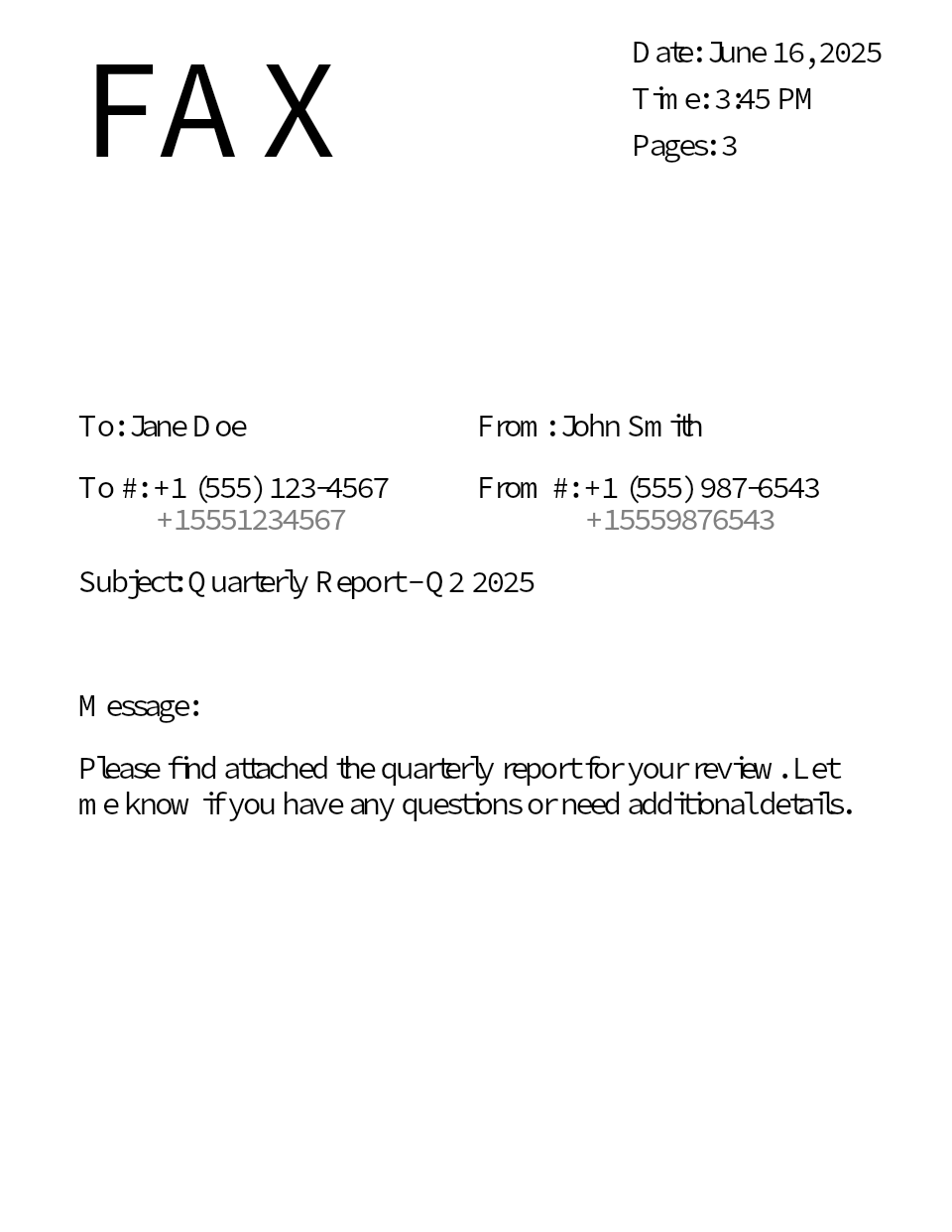 StandardStandard
 - Free
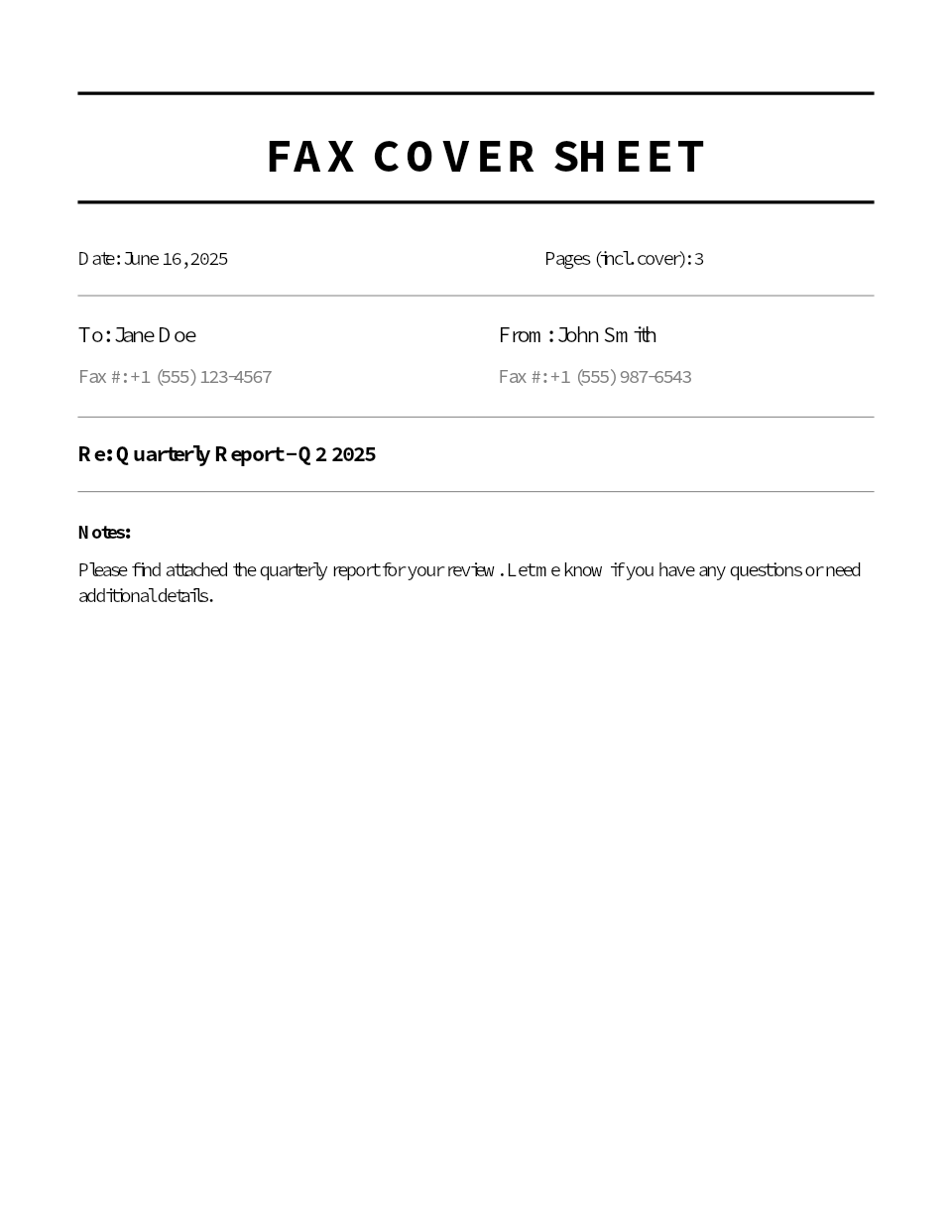 ClassicClassic
 - Free
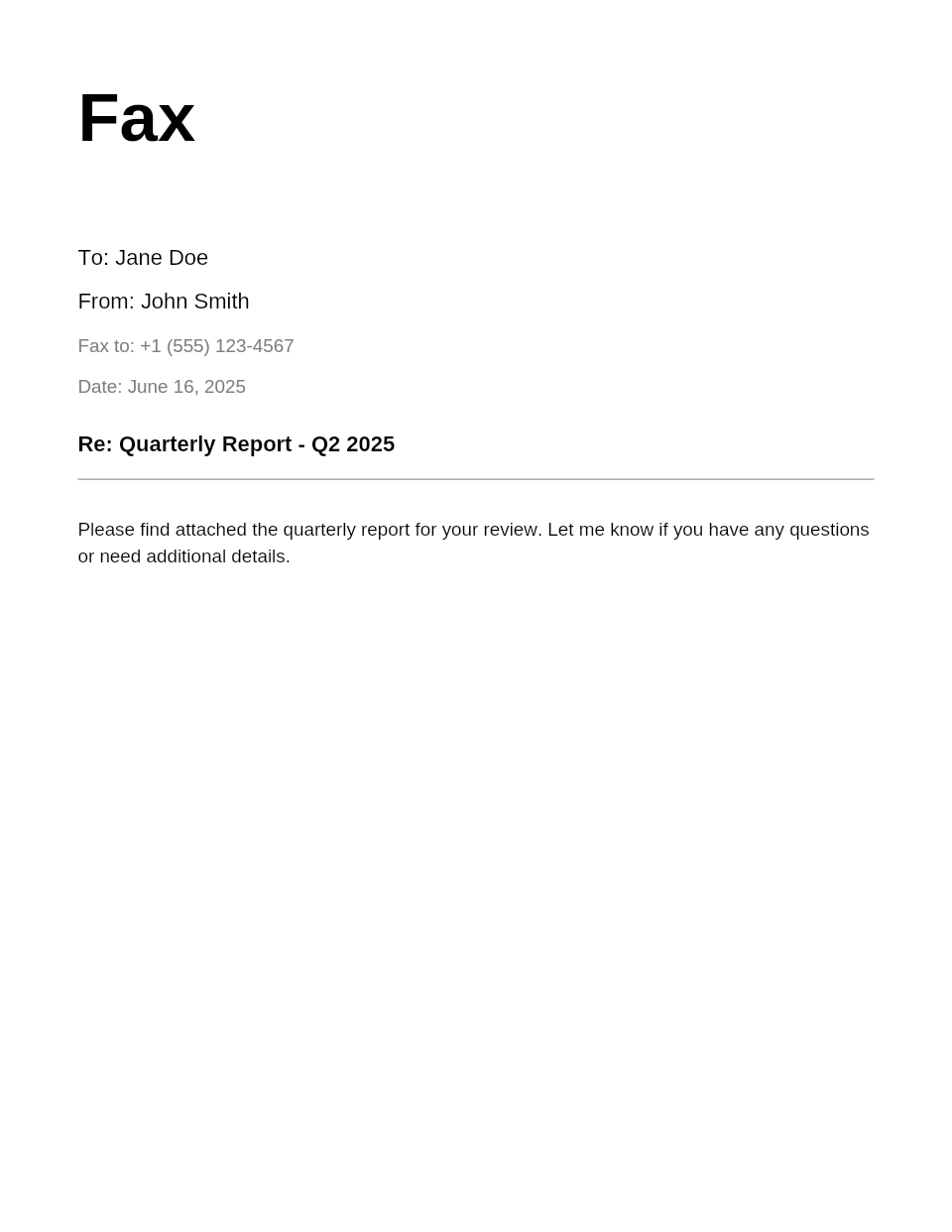 MinimalMinimal
 - Subscribers
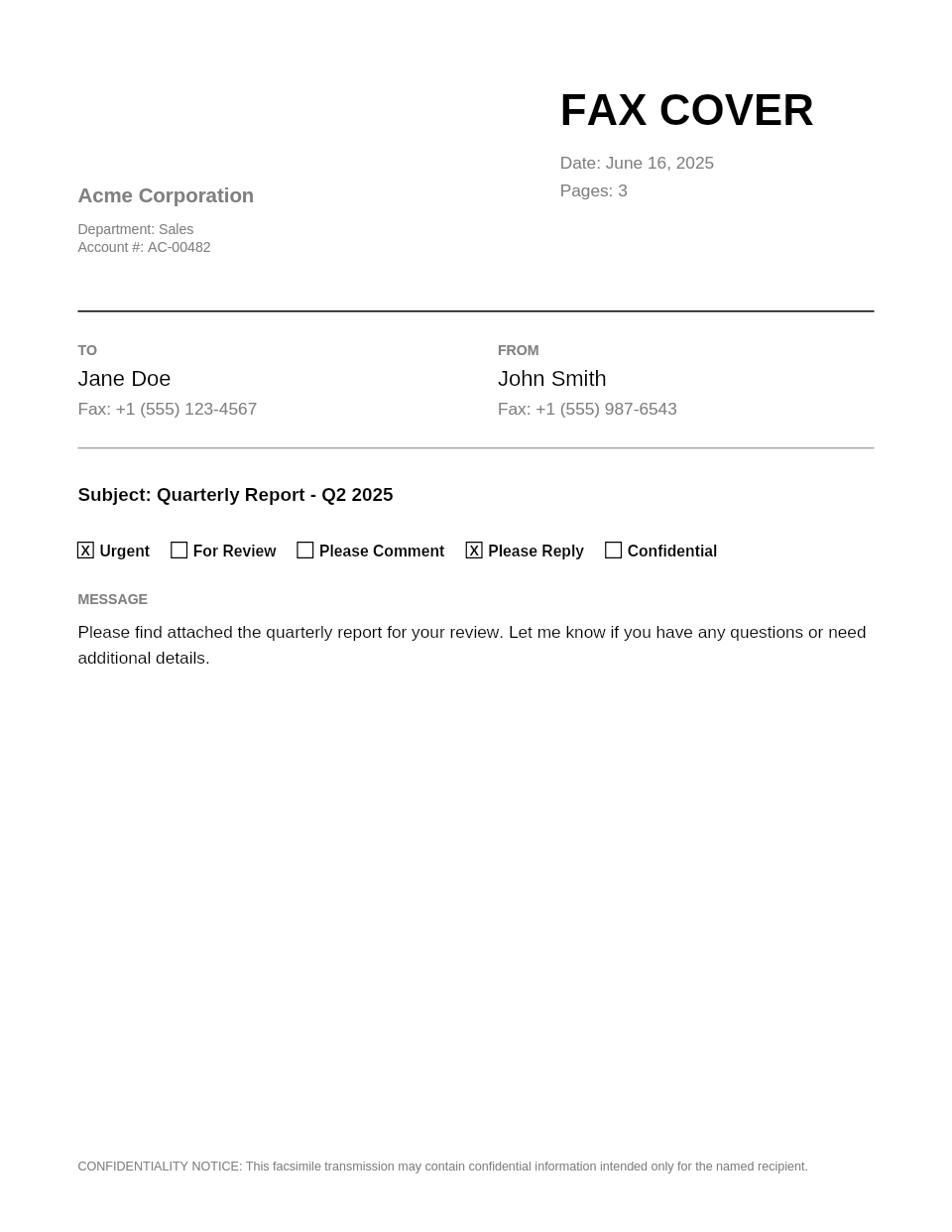 ProfessionalProfessional
 - Subscribers
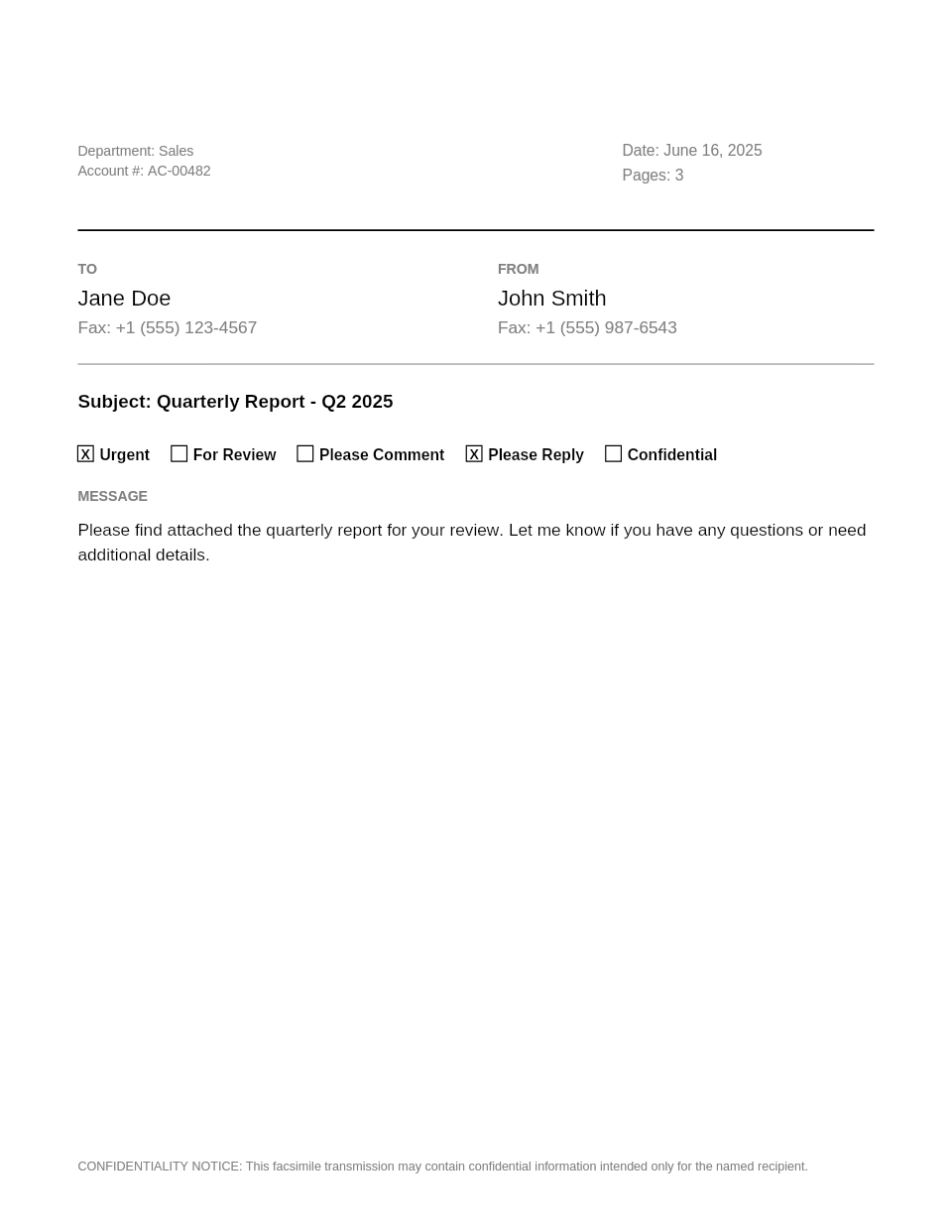 ModernModern
 - Subscribers
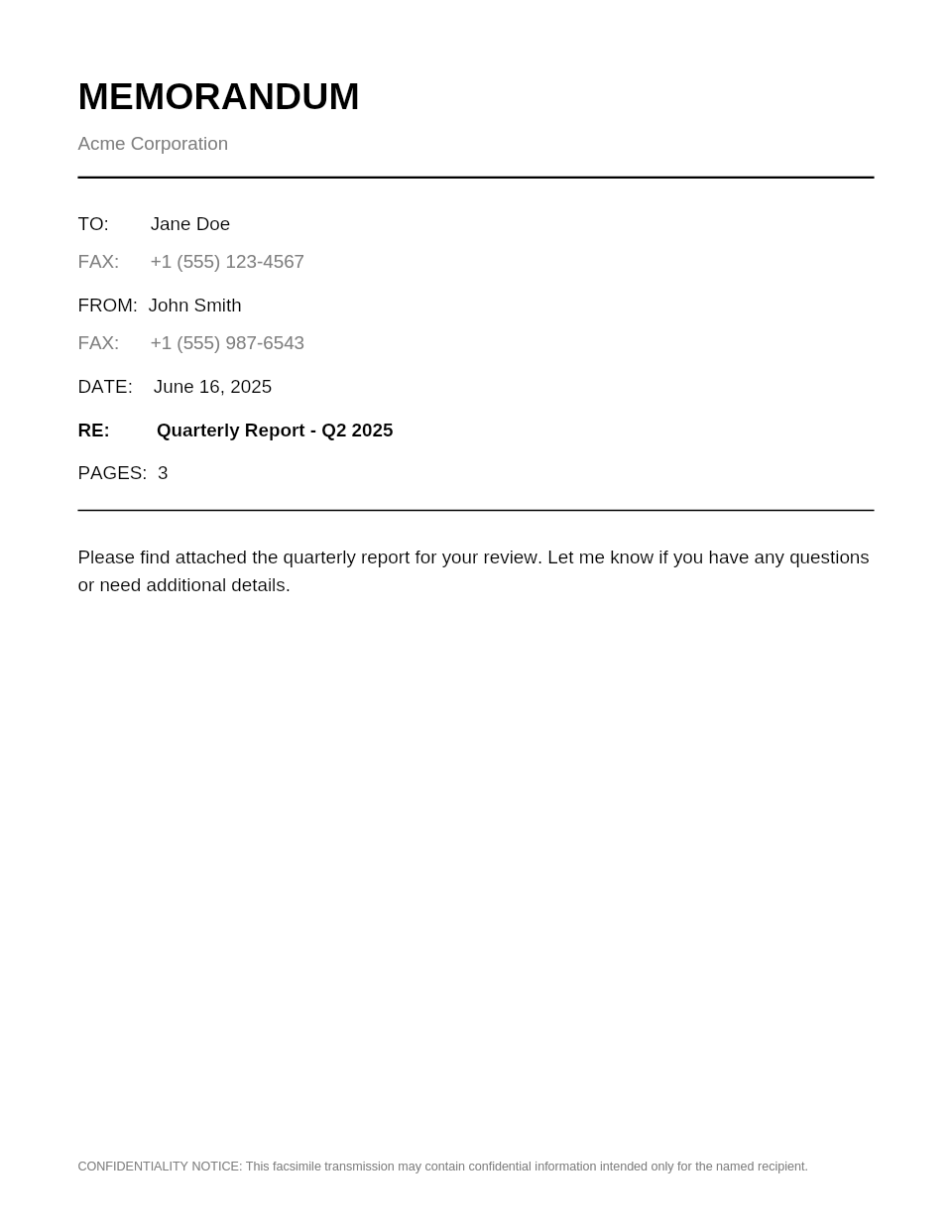 MemoMemo
 - Subscribers
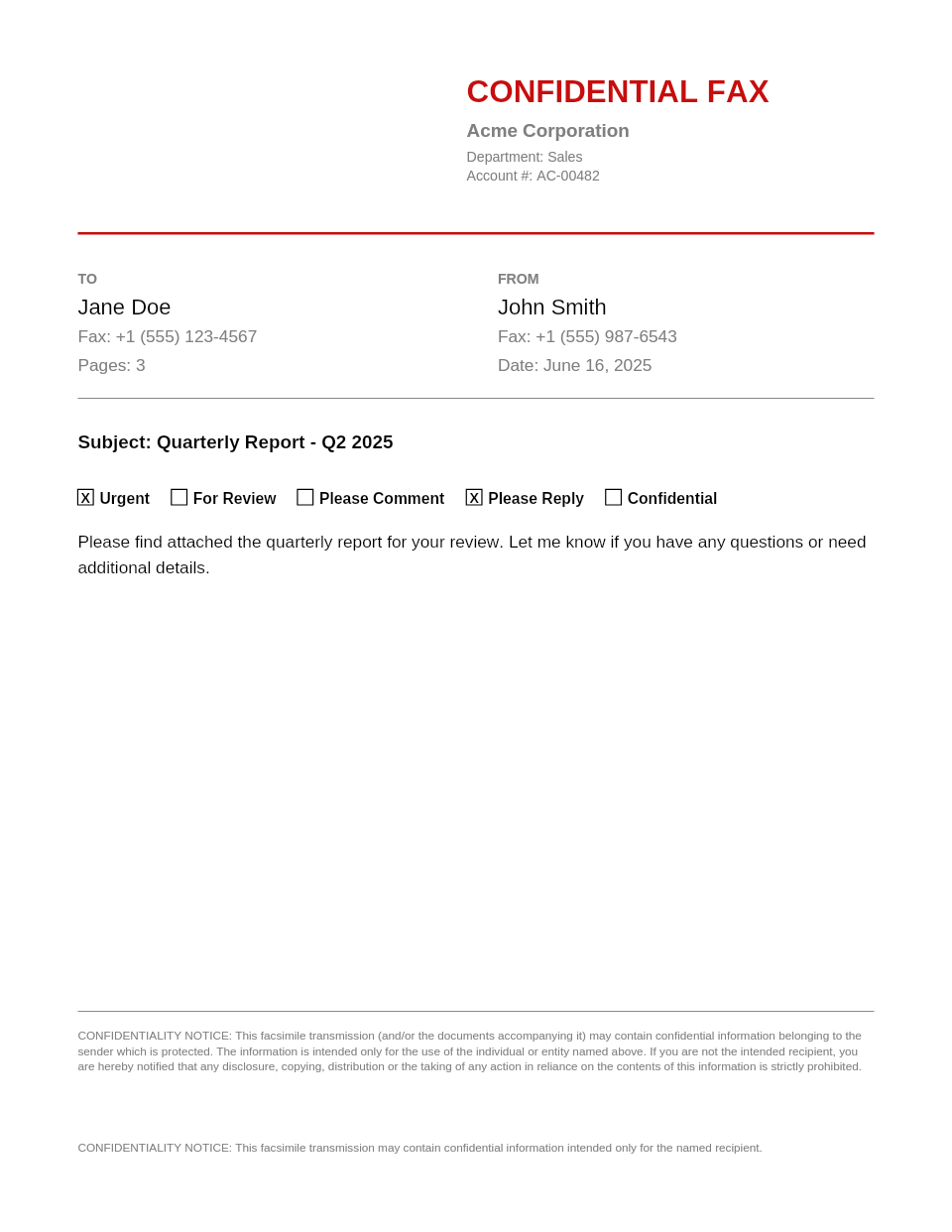 Confidential NoticeConfidential
 - Subscribers
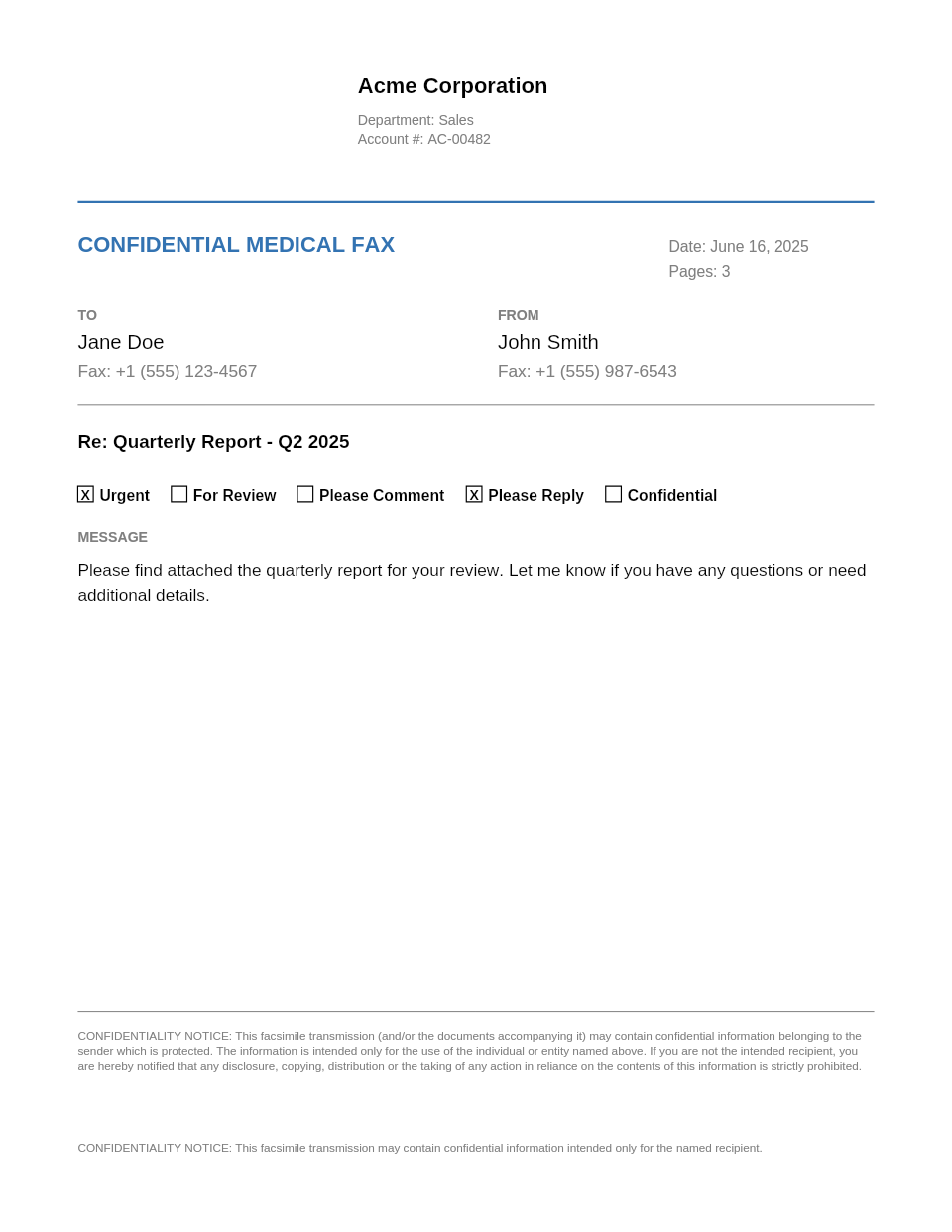 MedicalMedical
 - Subscribers
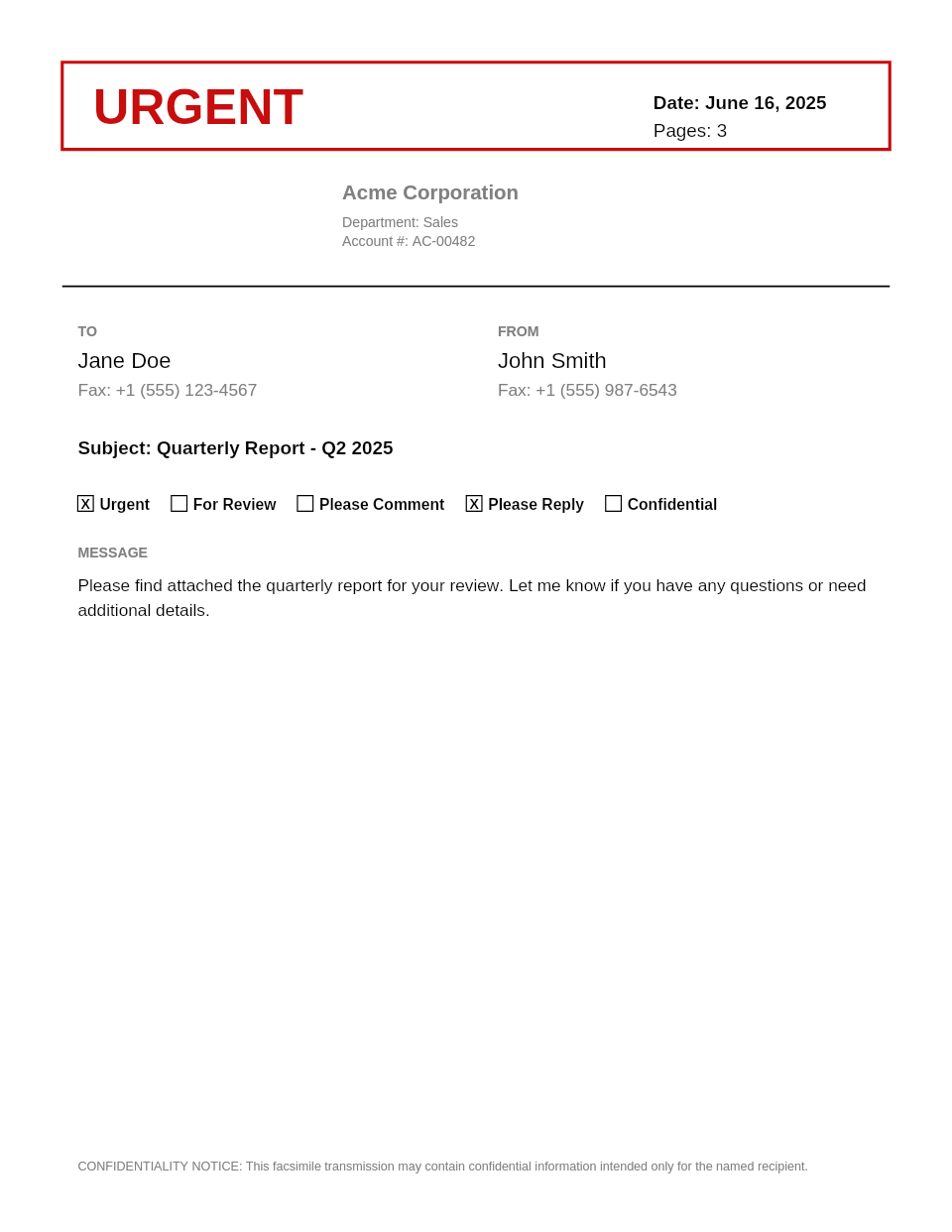 UrgentUrgent
 - Subscribers
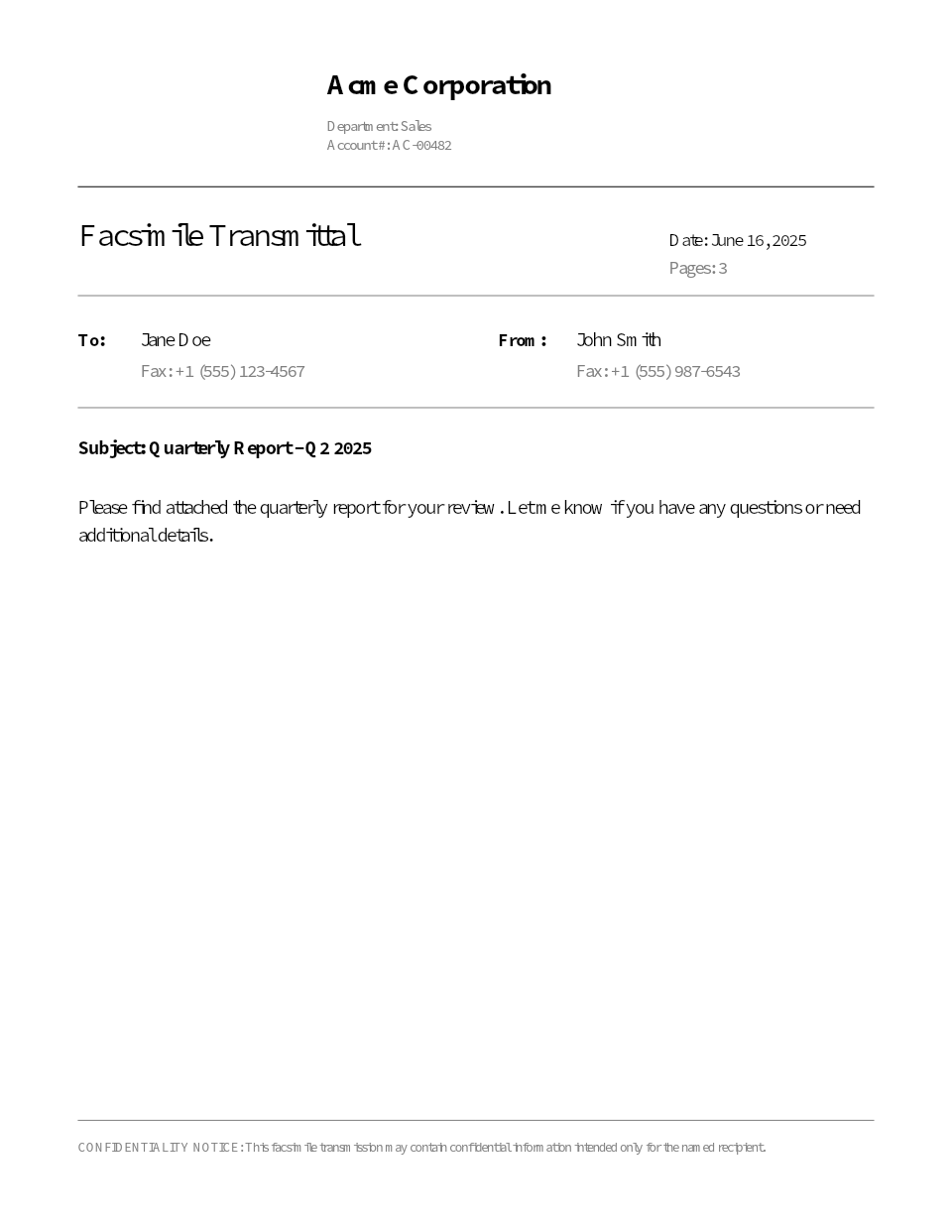 ExecutiveExecutive
- 10 built-in templates
- Standard, Classic, Minimal, Professional, Modern, Memo, Confidential, Medical, Urgent, and Executive. Pick the one that fits your fax.
- 3 free, no signup
- Standard, Classic, and Minimal are available to everyone, right away. No account, no trial, no strings.
- Add your logo
- Subscribers can upload a company logo that appears on Professional, Confidential, Modern, Medical, Urgent, and Executive templates.
- Saved branding & contact details
- Set your organization name, sender name, phone, email, and disclaimer once. They prefill every time you send.
Free templates for quick faxes, premium ones when you mean business
Everyone gets Standard, Classic, and Minimal at no cost and no signup. When you need a polished look with your logo, organization details, and a confidentiality notice, a dedicated fax number unlocks every template and saves your branding for next time.
Cover sheet template FAQ
Are the cover sheet templates really free?
- Yes. 3 templates (Standard, Classic, and Minimal) are completely free with no signup required. You can add one to any fax in a single click.
How do I use a cover sheet template?
- On the Send Fax page, toggle 'Add a cover sheet' and pick a template from the gallery. Fill in recipient, sender, subject, and message, then send. The cover page is generated as the first page of your fax.
Can I add my company logo to a cover sheet?
- Yes. Subscribers with a dedicated fax number can upload a PNG or JPG logo in their Cover Page settings. It appears on every template that supports it (Professional, Modern, Confidential, Medical, Urgent, and Executive).
What do I need to unlock premium templates?
- A dedicated fax number subscription unlocks all templates plus logo upload, saved branding, and contact detail presets. Plans start at $4.99/month.
Can I customize the font and text size?
- Yes. Both free and paid users can override the font family (Helvetica, Times, or Courier) and scale the text size from 70% to 140%.